


 DJ Equipment
 TurnTables
 Controllers
 Softwares, Controllers and Connectors
 Media Players
 Mixers
 Speaker
 Bose
Bose Dell
Dell Microlab
 Logitech
 Rapoo
Rapoo Denon
Denon DB Technologies
 QSC
QSC
 Benq Interactive Display
 Clary OneScreen Interactive Display
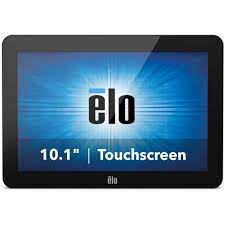 ELO TouchScreen Display
 CleverTouch Interactive Display
 IADEA Smart Signboards
 Maxhub Interactive Flat Panel
 Microsoft Surface Hub
 NEC Interactive Panels
 Panasonic Interactive Screens
 Philip Interactive Display
 Prestigio Interactive Display
 Promethean Touch Screens
 Samsung Interactive Panels
 Smart Interactive Panels
 SMART KAPP
 Specktron Interactive Display
 Vestel Interactive Display
 Marker Boards & Flipcharts
 Board Accessories
 Conventional Whiteboards
 Print & ART Media
 Innova
 Canson
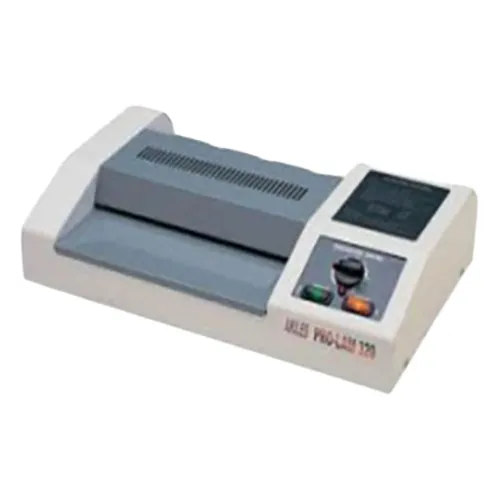 Laminators
 Atlas
Atlas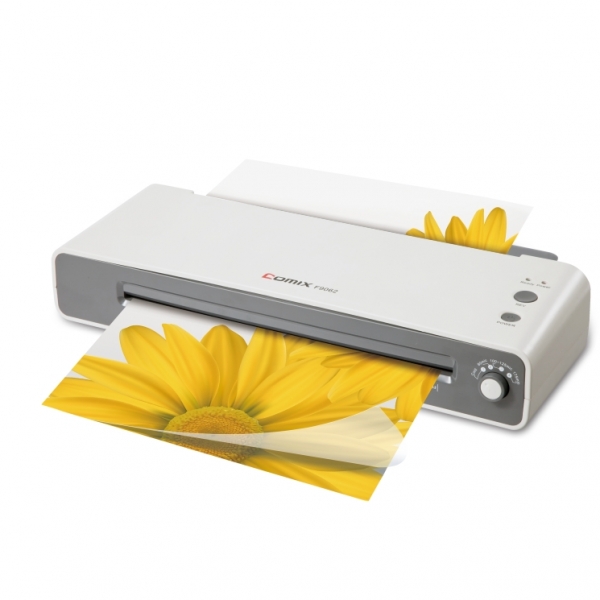 Comix
Comix Datacard
 Fellowes
 Fujipla
 Laminating Pouches
 New United
 Peak
Peak Rexel
Rexel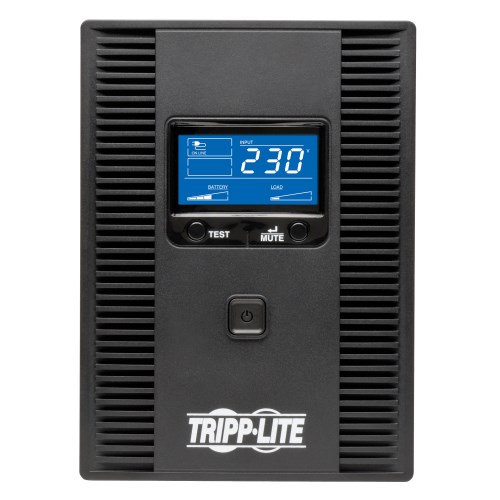 TPPS
TPPS Air purifier
 Accessories
 Dyson
Dyson Ideal
Ideal
 Projector Screen
 Electric Screens
 Fixed Frame Projector Screens
 Small All In One Projectors
 Visualizer / Documents / Cameras
 Anervision
 Elmo
Elmo SMART
SMART Lumens
 Acer
Acer Aiptek
 Elmo
Elmo InFcous
 LG
LG Optoma

 Dahle
Dahle Fellowes
 Ideal
Ideal
 Optoma
 Epson
Epson Nec
Nec
 SBM
SBM Cassida
 Laurel
 Lidix
Lidix
 Kiosk Digital Display
 LG display
 NEC Display
 Samsung Display
 Samsung FlipChart Display
 Tech-Com
 Tripp Lite
 UPS Accessories
 V-Guard
 ABB
ABB APC
APC EATON
EATON Sitten
 Safes
Safes WiFi Enabled Safes
 File Cabinets
 Cash Boxes
 Cash Drawer

OVERVIEW
A SMOOTHER, MORE INTERACTIVE WRITING EXPERIENCE USING TOUCH
Featuring a pre-assembled Touch Overlay and a variety of collabouration-enhancing capabilities, the Samsung e-Board display alleviates misconceptions that digital display writing is complex and unnatural. Instead, the DME-BR’s touchscreen offers a smooth and comfortable writing experience. The DME-BR display’s hand touch function enables up to 10 different participants to touch the display’s screen using two fingers to make content selections, comments or edits, with those individual actions easily recognisable to the entire group. This versatile usability promotes efficiency and productivity by compiling individual feedback within a single source and offering greater visibility to all participants of discussed content. For added convenience, the Samsung e-Board display also comes with a hand eraser tool useful for erasing larger areas of the screen. Instead of users having to search for and work through a specific removal function key, the simple and intuitive hand eraser makes content revision fast and user-friendly.
A MORE ENGAGING, INTERACTIVE CONTENT MANAGEMENT EXPERIENCE
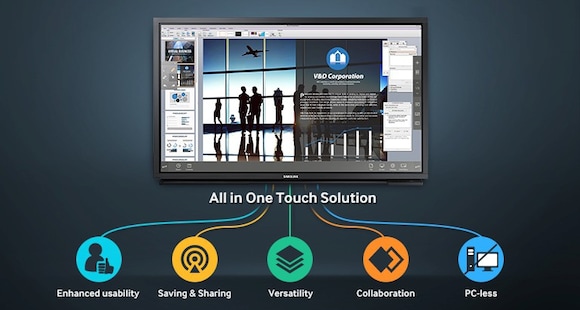
The Samsung SMART Signage e-Board display’s embedded MagicIWB S2* interactive content management software solution transforms a traditional presentation into a dynamic business or educational experience. As an all-in-one touch solution, Samsung’s free MagicIWB S2 program delivers added flexibility for extensive collabouration before, during and after meetings or classes without requiring the use of separate dedicated PCs or additional devices. A touch-activated floating menu enables users to independently control, display and shuffle between multiple screens and various text, image, audio and video content files. Once sessions conclude, MagicIWB S2’s compatibility with standard office software programs lets users update, save, capture, print and share files for later viewing. With the support of the MagicIWB S2 solution, the Samsung e-Board display enhances the overall knowledge-sharing process through deeper engagement and all-inclusive file management. * Note: Samsung’s MagicIWB I2 software, an advanced version of MagicIWB, is available for e-Board display users, but requires a separate PC for operation.
VERSATILE USABILITY WITH EXTENSIVE CONNECTIVITY AND EASY-TO-USE TOUCH CAPABILITY
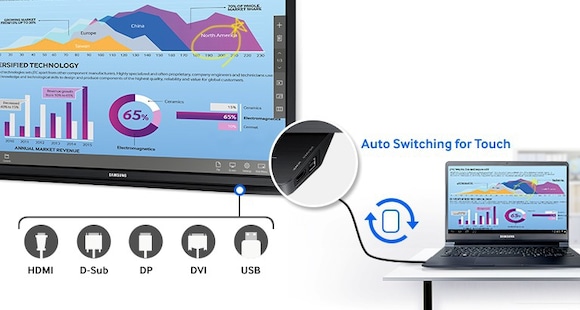
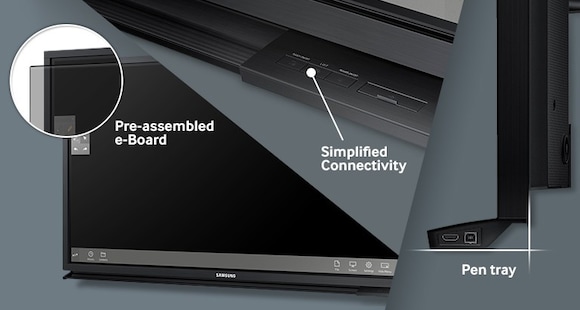
Today’s business and educational environments require advanced compatibility for users to easily read and share content. Through its enhanced and versatile connectivity, Samsung’s e-Board display allows users to access, share and revise content via their own laptops, tablets and smartphones. This superior connectivity stems from the display being equipped to support a range of signal input sources, including HDMI, D-Sub, DisplayPort (DP), DVI and USB ports, which are compatible with nearly all external devices. Furthermore, the Samsung e-Board display’s auto switching for the touch function eliminates the headache of needing two different cables to use touch with a notebook PC. Instead, the display features an easily assessable touch out cable (USB upstream) on the side of the front pen tray. Users just need to plug the single touch cable into the USB, connect the cable to the notebook PC and setup source. Together, these integrated solutions simplify multi-device setup and connectivity, as well as ensure convenient utilisation of the display’s advanced touch capability.
AN INTUITIVE DESIGN THAT PROMOTES EFFICIENCY AND USABILITY
The Samsung SMART Signage e-Board display’s pre-assembled design allows users to comfortably install, control and work with the all-in-one e-Board solution. As part of its professional-grade design, the Samsung e-Board display incorporates a front pen tray for convenient storage and easy access to display components. With a design format resembling that of an analog white board, the Samsung e-Board helps ensure user familiarly and seamless technology adoption, while also bringing design sophistication and advanced functionality to business and educational environments. Additionally, the display’s design positions simplified hot keys on the front and side of the pen tray. The shortcut hot keys allow users to easily locate and select frequently-used functions, including touch on / off, quick menu, power on / off, touch out USB and HDMI, with the simple push of a button. With the Samsung SMART Signage e-Board, business professionals and educators can economically utilise space while delivering the functionality essential for effective collabouration and productivity.


Reviews
There are no reviews yet.